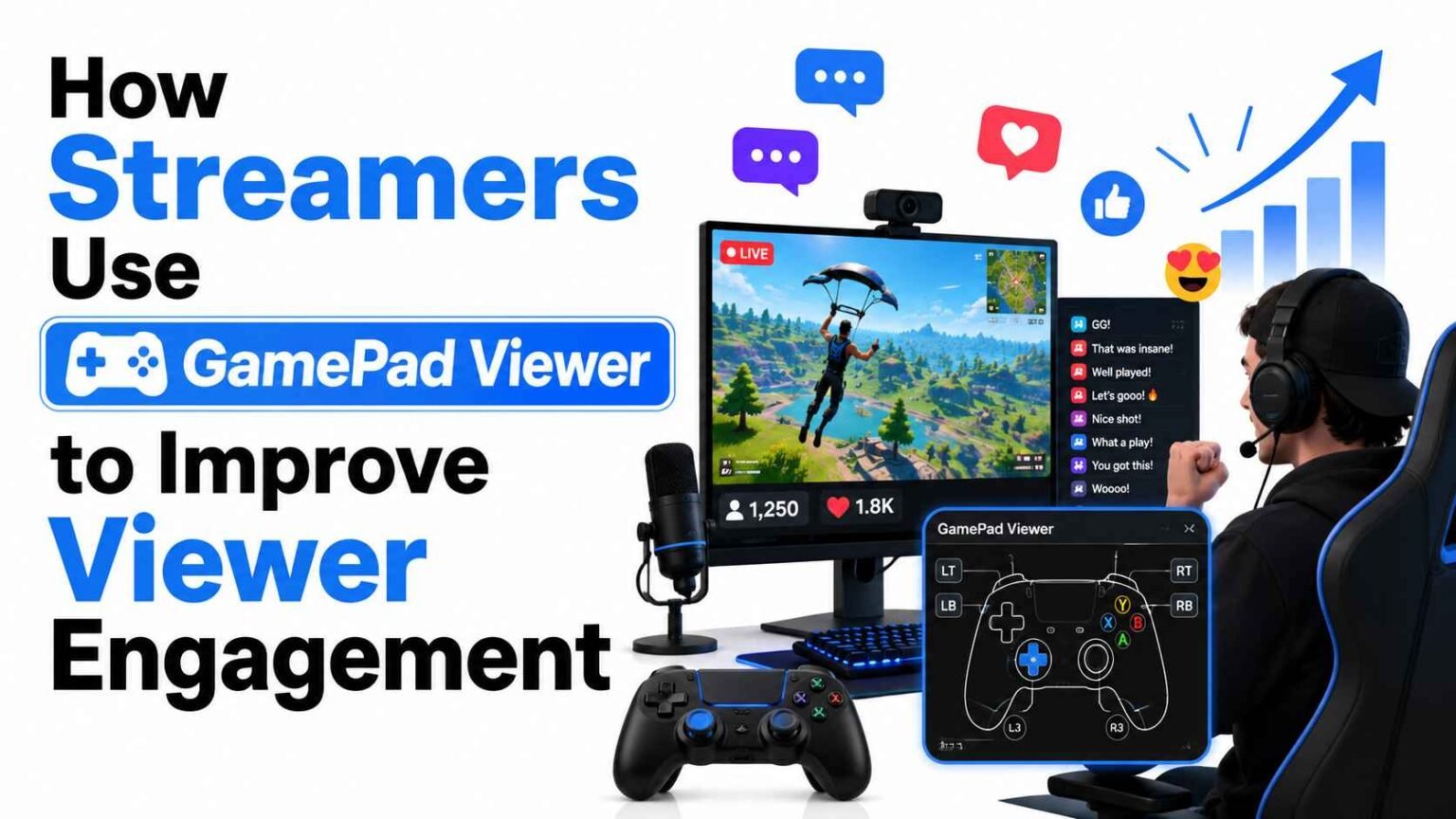

If you’ve spent any time watching speedrunners, fighting game players, or platformer streamers, you’ve probably noticed a small overlay in the corner of the screen showing a controller, with buttons lighting up in real time. That’s GamePad Viewer in action, and it’s quietly become one of the most effective ways for streamers to keep their audience hooked.
This isn’t just a cosmetic add-on. Input overlays change how viewers experience a stream. They turn passive watching into active following, where the chat can see exactly what the streamer is doing and react to it in real time.
What Is GamePad Viewer, Exactly?
GamePad Viewer is a free, browser-based tool that captures input from a connected controller and displays it as a live, animated overlay. Streamers add it to OBS or Streamlabs as a browser source, position it wherever it fits their layout, and from that point on, every button press, joystick movement, and trigger pull shows up on screen instantly.
It works with most standard controllers, including Xbox, PlayStation, and many third-party gamepads, since it relies on the browser’s Gamepad API rather than requiring special drivers. There’s no need to install separate software on top of your streaming setup, which is a big part of why it’s caught on so widely among both new and experienced streamers.
The core appeal is simple: it makes the invisible visible. Normally, viewers can only guess what inputs a streamer is pressing based on what happens on screen. With an overlay, they see the cause and the effect together.
Why Input Overlays Matter for Viewer Engagement
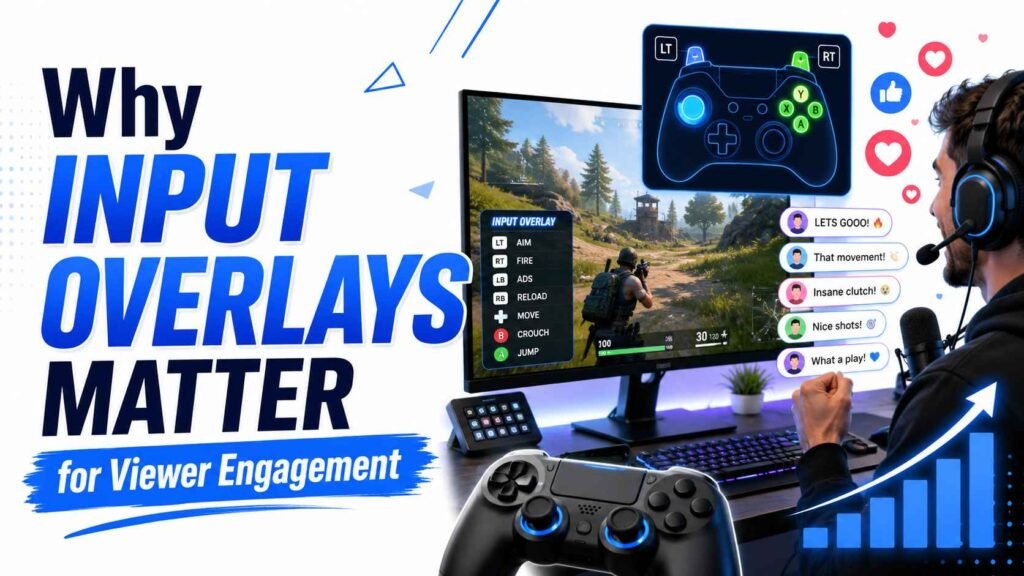
Engagement on a stream isn’t just about how many people are watching. It’s about how long they stay, how often they interact in chat, and whether they come back next time. Input overlays touch all three of these in ways that aren’t always obvious at first glance.
Viewers Understand Skill Better When They See Inputs
A viewer who isn’t deeply familiar with a game often can’t tell the difference between a lucky outcome and genuinely skillful play. When they can see the exact button combination or stick movement that led to a perfect parry, a frame-perfect jump, or a clutch combo, the skill becomes obvious. This turns casual viewers into appreciative ones, because they now understand what they’re watching.
It Builds Trust Around Fair Play
Especially in speedrunning and competitive gaming communities, accusations of macros, scripts, or input shortcuts can damage a streamer’s reputation. A visible, real-time controller overlay acts as informal proof that inputs are happening manually, in the moment, with no hidden assistance. Many speedrunners treat this as close to mandatory for serious runs.
It Creates Natural Talking Points for Chat
Overlays give chat something concrete to react to. A missed input, a surprising button combo, or a tense moment where the streamer hesitates before a big move all become shareable, clip-able moments. This naturally increases chat activity, which platforms like Twitch and YouTube reward with better visibility.
Examples of Streamers Using GamePad Viewer Well
To understand the impact, it helps to look at how different streaming niches apply input overlays in practice.
Speedrunners Proving Legitimacy
In speedrunning communities, a controller overlay isn’t just decoration; it’s often part of the verification process. Viewers and moderators can watch the exact inputs behind a run, which builds credibility for record attempts and helps the community trust submitted times without needing frame-by-frame video review after the fact.
Fighting Game Streamers Teaching in Real Time
Fighting game streamers frequently use overlays to double as teaching tools. When a streamer pulls off a complex combo, viewers can watch the stick and button inputs land in sequence, almost like a live tutorial. This turns entertainment into education, which keeps viewers watching longer because they’re learning something they can try themselves.
Platformer and Precision-Game Streamers Building Suspense
In games that demand frame-perfect timing, like difficult platformers, an input overlay adds a layer of tension. Viewers can see the streamer’s thumb hovering near the jump button before a risky section, which builds anticipation in a way that watching the game screen alone doesn’t achieve.
Variety Streamers Adding a Personal Touch
Even streamers who play a mix of genres use overlays to make their layout feel more personal and transparent. It signals to new viewers, within seconds of landing on the channel, that this is a controller-based, hands-on stream, which helps set expectations quickly.
Setting Up GamePad Viewer: What Streamers Should Know
Getting started with GamePad Viewer is straightforward, but a few setup choices make a real difference in how well it performs on stream.
| Setup Step | What It Involves | Why It Matters for Engagement |
|---|---|---|
| Connect controller | Plug in or pair the gamepad before opening the browser source | Ensures inputs register without delay or dropped signals |
| Choose overlay style | Select a skin matching the actual controller model | Helps viewers recognize the layout instantly, reducing confusion |
| Position in OBS | Add as a Browser Source, resize and place away from key gameplay areas | Keeps the overlay visible without blocking important visuals |
| Test before going live | Press every button and move both sticks to confirm responsiveness | Avoids embarrassing freezes or missed inputs during the broadcast |
Most streamers find the actual configuration takes only a few minutes once the browser source URL is generated and customized to match their controller and color scheme.
Psychology Behind Why Input Overlays Increase Retention
There’s a reason this small overlay has such an outsized effect on watch time. It taps into a few well-understood patterns in how people engage with live content.
First, it satisfies curiosity. Humans are naturally drawn to understanding cause and effect, and an input overlay answers the question “how did they do that” before the viewer even has to ask it in chat.
Second, it reduces the gap between casual and hardcore viewers. A new visitor who doesn’t know the game can still follow along because the overlay gives them a simple, visual way to connect input to outcome. This lowers the barrier to staying engaged, which matters a lot for channel growth.
Third, it adds a layer of authenticity. Viewers increasingly value transparency from streamers, and an overlay that shows raw, unfiltered input data feels honest in a way that’s hard to fake. That sense of authenticity tends to translate into longer average view durations and more repeat visits.
Common Mistakes Streamers Make With Input Overlays
Not every implementation works well, and a few recurring mistakes can undercut the benefits.
| Mistake | Effect on Viewers | Simple Fix |
|---|---|---|
| Overlay too large or central | Distracts from the actual gameplay | Resize and tuck it into a corner |
| Mismatched controller skin | Confuses viewers trying to follow inputs | Match the skin to the real controller |
| No testing before stream | Inputs lag or freeze mid-session | Run a quick pre-stream check every time |
| Overlay clashes with stream theme | Looks unpolished or out of place | Choose colors that match the rest of the stream layout |
Fixing these is usually quick, but skipping that step can quietly cost a streamer some of the engagement benefit they were hoping to gain.
Measuring the Impact on Your Own Stream
If you’re considering adding GamePad Viewer, it helps to track a few specific metrics before and after implementation rather than relying on a general impression.
| Metric | What to Watch | What Improvement Looks Like |
|---|---|---|
| Average view duration | Time viewers stay on stream | A noticeable increase after overlay adoption |
| Chat messages per stream | Total interaction volume | More frequent comments around big plays |
| Clip creation rate | How often viewers clip moments | Clips referencing specific inputs or combos |
| New follower retention | Whether new viewers return | Higher return-visit rate from first-time viewers |
You don’t need advanced analytics software to track these. Most streaming platforms already provide basic dashboards that show view duration and chat activity, and comparing a few weeks before and after adding the overlay is usually enough to see a clear pattern.
Final Thoughts
GamePad Viewer is a small addition with a disproportionately large effect on how viewers experience a stream. It turns gameplay into something more transparent, more educational, and more emotionally engaging, all without requiring expensive equipment or technical expertise to set up. For streamers in speedrunning, fighting games, platformers, or really any controller-based genre, it’s one of the simplest changes that consistently pays off in longer watch times, more active chats, and a more loyal audience.
If you haven’t tried it yet, it’s worth a single test stream to see how your own community responds. Chances are, once viewers get used to seeing your inputs, they’ll start asking for them if you ever turn them off.